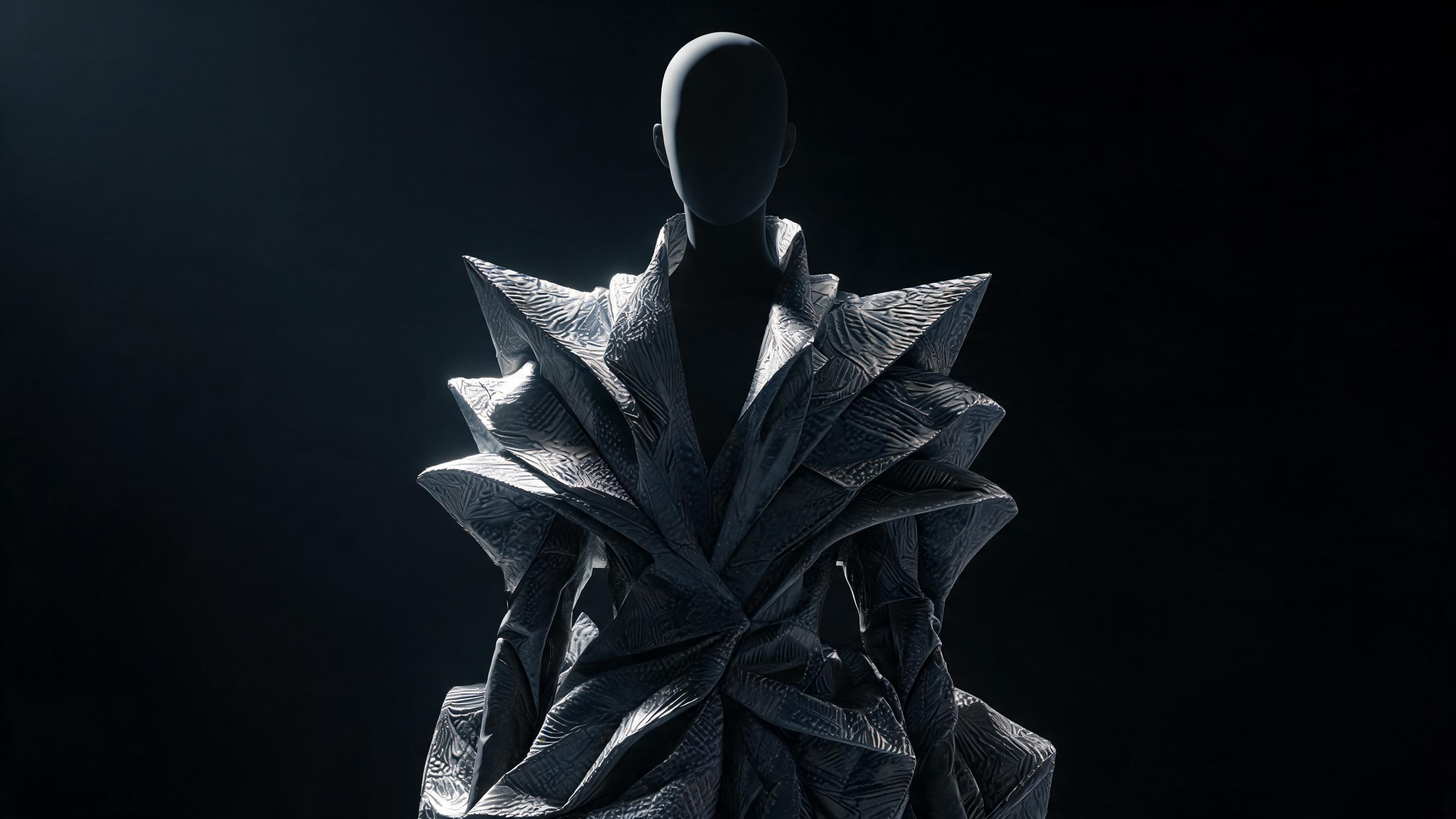
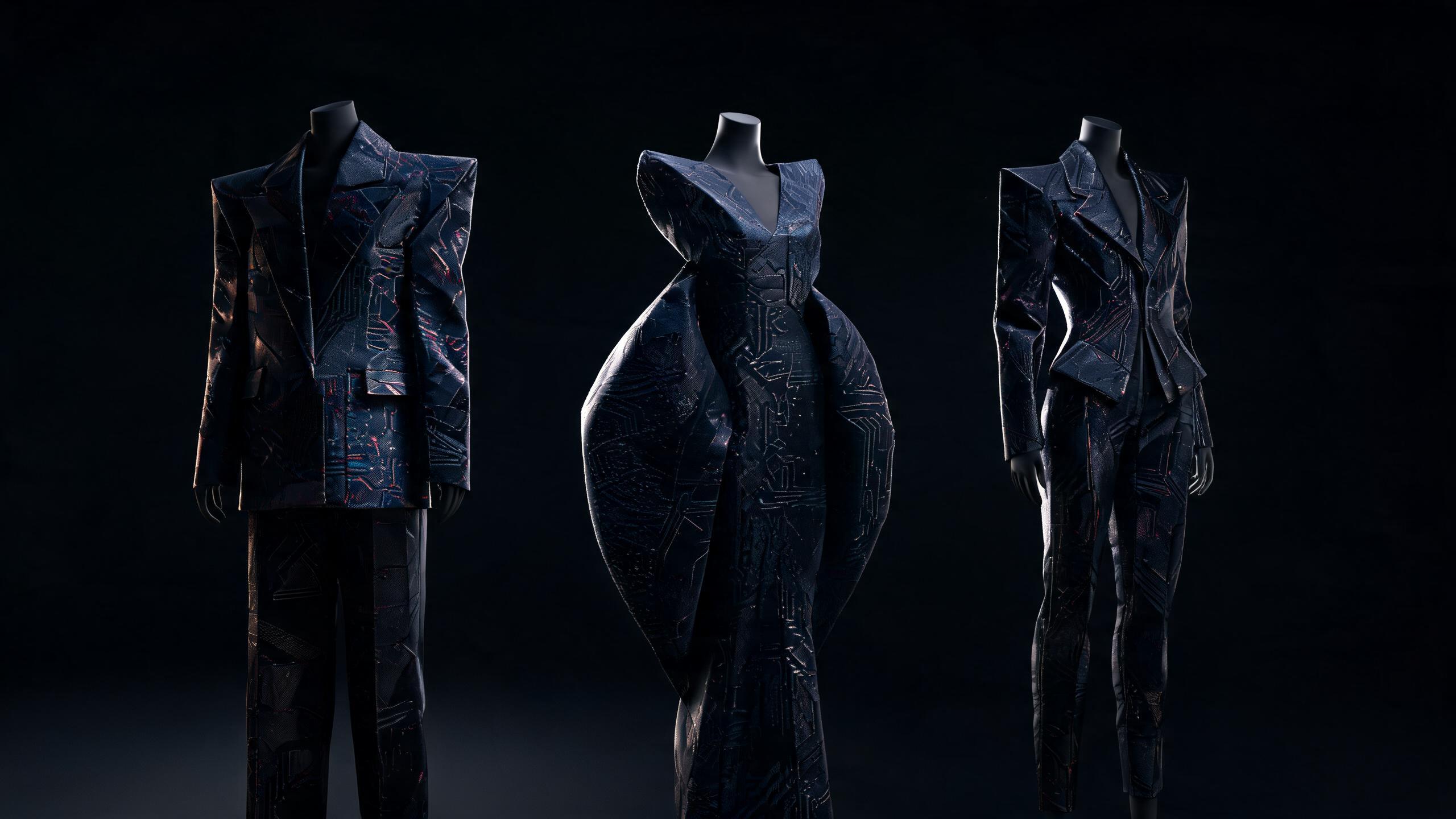
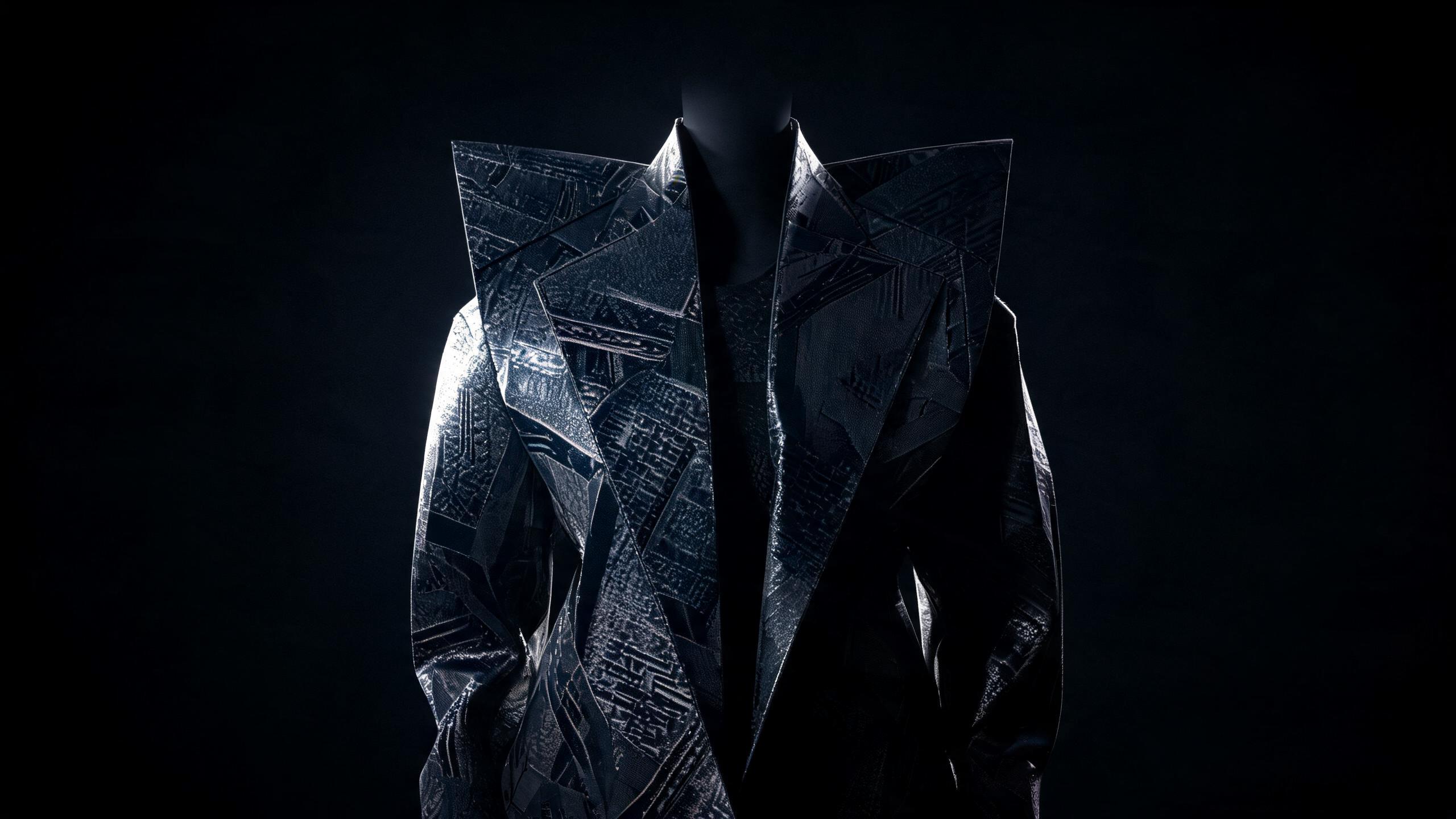
How to Improve Fashion Image Quality with Demna AI

Learn how Demna AI enhances fashion visuals through sharper details, realistic textures, refined styling, and professional-grade image generation workflows.
Demna AI improves generated image quality by refining fashion-specific details such as garment structure, fabric texture, lighting, proportions, and model anatomy through controlled prompting and iterative image enhancement. Exporting final images at a minimum of 2048 pixels on the long edge preserves sufficient resolution for most digital fashion presentations and supports sharper retouching and cropping.
Demna AI improves generated image quality through precise prompting, clean reference images, controlled composition, and disciplined post-processing.
Key Takeaway: Demna AI improves generated image quality by combining precise prompts, high-resolution reference images, controlled composition, consistent styling instructions, and careful post-processing to reduce anatomy, texture, and visual consistency errors.
How to Improve Fashion Image Quality with Demna AI
Generative fashion imagery fails for predictable reasons: ambiguous prompts, weak source material, conflicting visual instructions, unstable anatomy, uncontrolled styling, and post-processing that amplifies defects instead of correcting them. Improving image quality with Demna AI is not about adding more adjectives to a prompt. It is about designing a visual system the model can interpret consistently.
High-quality fashion output has four properties:
- Identity: the garment, model, and visual concept remain recognizable.
- Structure: anatomy, proportions, pose, construction, and perspective hold together.
- Material fidelity: fabrics behave like fabrics, with believable weight, sheen, texture, and drape.
- Editorial control: lighting, composition, styling, and color support one clear creative direction.
This guide explains how to build that control. It covers input preparation, prompt architecture, garment description, body-aware styling, camera language, lighting, negative constraints, iteration, upscaling, file formats, and quality assurance. It also includes outfit formulas and practical comparisons for fashion teams producing catalog, editorial, campaign, and concept imagery.
Demna AI image quality: The visual accuracy, coherence, and editorial usefulness of an image generated with Demna AI, determined by the quality of its inputs, the specificity of its instructions, and the consistency of its revision process.
Why Does Demna AI Image Quality Depend on More Than the Prompt?
A prompt is only one layer of an image-generation workflow. The model also interprets reference images, composition signals, garment relationships, camera instructions, lighting descriptions, and negative constraints. When these inputs conflict, the output becomes visually unstable.
A prompt such as “luxury black coat, dramatic model, cinematic lighting, editorial fashion photograph” establishes a mood but leaves critical decisions unresolved:
- What is the coat’s exact length?
- Is it single-breasted or double-breasted?
- Does it have a dropped shoulder or a sharp shoulder line?
- Is the fabric matte wool, coated cotton, or technical nylon?
- Is the model standing, walking, leaning, or turning?
- Is the image full-length or cropped at the knee?
- Is the light hard, diffused, frontal, or directional?
- Should the background be architectural, seamless, or atmospheric?
When the user leaves these relationships undefined, the system fills them in. That is where unwanted variation enters.
The five quality layers
A reliable Demna AI workflow separates the image into five layers:
- Subject layer: model identity, pose, body proportions, expression, and gaze.
- Garment layer: silhouette, construction, fabric, color, surface, and fit.
- Styling layer: shoes, accessories, hair, makeup, layering, and finishing.
- Image layer: lens perspective, framing, lighting, background, and depth of field.
- Output layer: resolution, file format, sharpness, color management, and retouching.
Each layer requires different instructions. A garment problem cannot be solved by increasing sharpness. A composition problem cannot be solved by adding fabric detail.
A low-quality reference cannot be repaired through a longer prompt.
The most effective process diagnoses the failure first, then changes the relevant layer.
How Should You Prepare Inputs for Demna AI?
Input preparation establishes the ceiling for the final image. A low-resolution, compressed, poorly lit, or visually cluttered reference gives the model less reliable information about shape and material.
Use reference images that make the intended visual facts easy to read:
- Garments should be visible against a contrasting background.
- The primary silhouette should not be obstructed by props or unrelated layers.
- Key construction details should face the camera or appear in multiple views.
- Texture should be visible without excessive glare.
- The image should show the garment at a useful scale.
- Skin, fabric, and background tones should remain distinct.
For a product-focused image, a clean garment reference often works better than a dramatic editorial photograph. Editorial references are useful for mood, pose, and lighting, but their shadows, motion blur, and styling layers can obscure the garment itself.
Build a reference set instead of relying on one image
A single reference image rarely communicates every required property. A stronger set may include:
- Front view: silhouette, closure, neckline, and length.
- Side or three-quarter view: depth, volume, shoulder construction, and drape.
- Detail crop: buttons, stitching, weave, print, hardware, or surface finish.
- Styling reference: desired pose, makeup, hair, or overall mood.
- Environment reference: architecture, studio background, street setting, or color atmosphere.
The reference set should not contain competing versions of the same instruction. If one image shows a cropped jacket and another shows a long coat, the model has no stable garment identity to preserve.
Separate content references from style references
A useful rule is:
- Content reference: what must appear.
- Style reference: how the result should feel.
For example, a front-facing product photograph of a charcoal wool coat is a content reference. A runway image with severe side lighting and a concrete architectural background is a style reference.
Combining both roles in one image creates ambiguity. The model may reproduce the reference’s pose instead of the garment, or imitate the lighting while losing the product’s construction.
Use image inputs that preserve edge information
Edges carry important fashion information. They define:
- Shoulder width
- Sleeve volume
- Hemline
- Lapel shape
- Trouser break
- Skirt fullness
- Footwear outline
- Accessories against the body
Avoid references with heavy compression artifacts, extreme blur, or aggressive sharpening halos. These distort edges and can cause the generated garment to develop irregular hems, doubled seams, or artificial texture.
For a deeper workflow on preparing source material, see Traditional or AI-Ready? Demna’s Image Input Requirements Explained.
How Do You Write a Demna AI Prompt That Produces Sharper Fashion Images?
A strong prompt is organized by visual priority. Start with the subject and garment, then define styling, composition, lighting, and output intent.
A practical prompt architecture is:
- Image type
- Subject and pose
- Garment identity
- Fit and construction
- Material and surface
- Styling
- Location or background
- Lighting
- Camera and framing
- Quality constraints
Use a structured prompt template
Image type: full-length editorial fashion photograph Subject: adult model with an elongated posture, standing in a relaxed contrapposto pose Garment: oversized charcoal double-breasted wool coat, dropped shoulders, broad peak lapels, below-knee hem Fit: generous body volume, clean sleeve fall, controlled waist, no visible distortion Styling: ivory ribbed knit, black high-rise wide-leg trousers, pointed black leather boots, minimal silver jewelry Environment: pale concrete interior with restrained architectural lines Lighting: large diffused side light, soft contact shadow, controlled highlights on the wool Camera: eye-level three-quarter view, full-body framing, moderate perspective Quality: accurate garment construction, natural hands, coherent anatomy, realistic wool texture, crisp edges, editorial color grading
This structure works because it gives the model a hierarchy. The coat is the central object, the trousers support the silhouette, and the environment remains secondary.
Define relationships, not isolated attributes
“Voluminous coat” is less useful than “voluminous coat over a narrow base layer, with the hem falling below the knee.” The second instruction describes a relationship between volume, layering, and length.
Compare:
Weak: “Black dress, elegant, dramatic, stylish, high fashion.”
Stronger: “Floor-length black column dress in matte crepe, close through the torso, narrow shoulder straps, controlled drape from the hip, clean hem grazing the floor, styled with sculptural silver earrings and low pointed pumps.”
The stronger version specifies:
- Silhouette
- Fabric
- Length
- Fit
- Drape
- Accessories
- Footwear
These details reduce the number of decisions the model must invent.
Put non-negotiable details early
When a garment has a defining feature, state it near the beginning:
- “Cropped bomber jacket with a pronounced rounded sleeve”
- “High-rise pleated trousers with a long, full break”
- “Asymmetric one-shoulder knit dress”
- “Boxy shirt with a sharp extended collar”
- “Bias-cut silk skirt ending mid-calf”
Do not bury the defining feature after a paragraph of mood language. Atmospheric adjectives should support the garment, not compete with it.
Avoid contradictory descriptors
Some prompt combinations create unstable output:
- “Oversized and body-skimming”
- “Rigid and fluid”
- “Minimal and heavily embellished”
- “Matte and glossy throughout”
- “Short cropped hem below the ankle”
- “Sharp hard light with soft shadowless illumination”
Contradictions can be intentional, but they need a clear hierarchy. For example: “Rigid tailored shoulder structure with fluid silk body panels” describes contrast within one garment. “Oversized but body-skimming” does not explain where each quality applies.
👗 Want to see how these styles look on your body type? Try Alvin's Club's AI Stylist → — personalized outfits in seconds.
How Can Garment Descriptions Improve Fashion Image Accuracy?
Fashion imagery depends on construction. A garment is not just a color and category; it is a three-dimensional system of panels, seams, closures, volume, tension, and material behavior.
Describe clothing across six dimensions:
| Dimension | What to specify | Example |
|---|---|---|
| Category | Garment type | Double-breasted coat |
| Silhouette | Overall shape | Oversized cocoon silhouette |
| Construction | Panels, closures, details | Broad peak lapels, welt pockets, horn buttons |
| Fit | Relationship to the body | Dropped shoulder, generous through the chest |
| Material | Fiber impression and behavior | Dense brushed wool with a dry matte surface |
| Length | Precise endpoint | Hem ending below the knee |
Describe silhouette before decoration
The silhouette controls the first visual read. If the silhouette is wrong, accurate buttons or stitching will not rescue the image.
Useful silhouette terms include:
- Column
- A-line
- Cocoon
- Boxy
- Tapered
- Barrel-leg
- Slim straight
- Wide-leg
- Cropped
- Floor-sweeping
- Draped
- Sculptural
- Body-skimming
- Relaxed
- Tailored
Use a silhouette term together with a measurable visual endpoint. “Long coat” is weaker than “single-breasted coat ending midway between the knee and ankle.”
Explain fabric through behavior
Material descriptions should tell the model how the surface reacts to light and gravity.
Wool: dense, dry, softly textured, structured, low sheen, holds shape. Silk satin: fluid, reflective, liquid drape, directional highlights. Denim: firm, visible twill, controlled creasing, moderate structure. Leather: smooth or grainy, directional highlights, rigid or supple body. Linen: dry surface, irregular slub, breathable drape, natural creasing. Nylon: technical sheen, lightweight volume, crisp or crinkled surface. Velvet: directional nap, deep color variation, soft specular response.
Avoid using “luxurious fabric” as the main material instruction. It communicates status, not physical behavior.
Specify tension points and drape
The most informative areas of a garment are often where fabric changes direction:
- Under the arm
- Across the bust
- At the waist
- Around the elbow
- At the hip
- Above the knee
- At the ankle
- Near closures and buttons
A useful instruction might be: “The silk blouse gathers softly at the shoulder and falls fluidly through the torso, with restrained tension at the tucked waist.” This gives the model a physical relationship between fabric and body.
Protect garment identity across revisions
When revising an image, repeat the garment’s core identity. Do not assume the system will preserve every important detail from the previous generation.
A concise identity block can include:
- Garment category
- Primary color
- Silhouette
- Key construction feature
- Length
- Material
For example: “Preserve the oversized charcoal wool coat, dropped shoulder, broad peak lapel, double-breasted closure, and below-knee hem.”
How Does Body-Aware Styling Improve Generated Fashion Images?
A fashion image becomes more credible when clothing, proportion, pose, and body shape work together. Body-aware styling is not about enforcing one ideal body. It is about using line, volume, rise, length, and fabric to create a deliberate visual relationship.
The same garment can communicate different proportions depending on where it begins and ends. A high-rise trouser elongates the apparent leg line. A cropped jacket shifts visual attention toward the waist.
A long open coat creates vertical framing. A structured shoulder broadens the upper silhouette.
Match clothing geometry to the intended body proportion
For a fuller midsection, use:
- Single-breasted jackets with a clean vertical opening
- Mid- to high-rise trousers with a flat front
- Fluid fabrics that skim instead of cling
- Long open layers that create uninterrupted vertical lines
- V-necks or open collars that draw the eye upward and inward
Avoid descriptions that create accidental emphasis:
- Tight thin jersey across the abdomen
- Low-rise trousers that interrupt the torso
- Large horizontal color blocks at the widest point
- Heavy gathered fabric placed directly at the stomach
For a narrow shoulder line, use:
- Structured shoulders
- Boat necks
- Wide lapels
- Sleeve volume beginning at the shoulder
- Horizontal necklines
These elements add visual presence to the upper body and balance fuller lower proportions.
For fuller hips or thighs, use:
- A-line skirts that widen gradually from the waist
- Straight or wide-leg trousers with a clean fall
- Jackets ending above or below the widest hip point
- Darker or quieter lower-body colors paired with focused upper-body detail
An A-line skirt creates visual balance by adding volume below a defined waist rather than clinging across the hips. A straight trouser with a pressed crease extends the leg line and prevents excess fabric from collapsing around the thigh.
For a straighter frame, use:
- Double-breasted jackets
- Pleated trousers
- Belts placed at the natural waist
- Layered textures
- Peplum or softly shaped tops
- Curved or cocoon silhouettes
The goal is not to create an artificial body. It is to make the intended clothing architecture legible.
Use pose to support garment structure
Pose changes how the garment is read:
- A contrapposto stance reveals side drape and creates movement.
- A forward step shows trouser break, coat swing, and footwear.
- A straight stance makes symmetry and tailoring easier to evaluate.
- A seated pose tests wrinkling, compression, and fabric recovery.
- A three-quarter turn reveals shoulder depth and side seam placement.
For catalog accuracy, use restrained poses. For editorial imagery, introduce controlled movement without allowing motion blur to obscure the garment.
Include body and pose instructions without overconstraining identity
Useful language describes posture rather than prescribing unrealistic anatomy:
- “Natural adult proportions”
- “Relaxed shoulders”
- “Elongated upright posture”
- “Weight resting on the back leg”
- “Hands naturally positioned”
- “Realistic joint alignment”
- “Feet grounded on the floor”
Avoid stacking extreme body descriptors. “Very tall, extremely slim, hyper-long limbs, tiny waist, broad shoulders, exaggerated hips” can distort anatomy because the instructions compete.
Which Camera and Composition Choices Produce Better Demna AI Fashion Images?
Composition determines whether the viewer understands the garment. A technically sharp image can still fail if the frame crops the hem, hides the sleeve, or creates a perspective that changes the silhouette.
Choose the frame based on the image’s purpose
| Use case | Recommended framing | Why |
|---|---|---|
| Product silhouette | Full-length, centered, eye-level | Preserves proportion and garment endpoints |
| Outerwear detail | Three-quarter or mid-length | Shows lapel, shoulder, and surface |
| Footwear styling | Full-length with visible floor | Keeps shoe and trouser break legible |
| Editorial campaign | Three-quarter, environmental | Adds atmosphere without losing identity |
| Jewelry or neckline | Chest-up or waist-up | Prioritizes construction and accessories |
| Fabric texture | Medium close-up with directional light | Makes weave and surface readable |
A full-length image should show the entire garment and footwear with enough surrounding space to prevent accidental cropping. If a prompt requests “dramatic close-up” and “full-length silhouette,” the framing instruction conflicts with the purpose.
Control perspective
Wide-angle perspective can exaggerate foreground elements. A shoe near the camera may become disproportionately large, while the head and torso recede. This may create visual energy, but it weakens product accuracy.
For dependable fashion proportions, specify:
- Eye-level or slightly elevated camera
- Moderate perspective
- Three-quarter view when side construction matters
- Full-body framing
- Balanced negative space
- Straight vertical architectural lines
Use low angles only when the distortion is intentional. A low camera can lengthen the body and make shoulders appear broader, but it can also distort shoes, knees, and coat hems.
Use negative space deliberately
Negative space gives the garment room to read. Crowded backgrounds create false edges and visual competition.
A strong editorial composition may place the model against:
- A pale concrete wall
- A muted architectural corridor
- A clean studio sweep
- A restrained tonal gradient
- A dark background with controlled rim light
The background should support the garment’s value structure. A black garment against a black background loses its outline unless the lighting creates edge separation.
Define cropping explicitly
Use exact language:
- “Full body from head to shoes”
- “Crop at mid-thigh”
- “Waist-up portrait”
- “Leave visible space above the head”
- “Do not crop the hem or footwear”
- “Keep both hands inside the frame”
This is more reliable than “well-composed.” Composition adjectives describe judgment; cropping instructions describe measurable structure.
How Should Lighting Be Designed for Demna AI Fashion Images?
Lighting communicates material, volume, color, and mood simultaneously. It should be selected according to the garment’s surface.
Match lighting to material
Matte wool: broad diffused light reveals weave and shape without creating distracting glare. Satin: directional light creates controlled highlights that show fluidity. Leather: large soft sources produce clean reflections; small hard sources create sharp hotspots. Sequins: angled light reveals sparkle but needs restraint to avoid visual noise. Knitwear: side light emphasizes relief and stitch structure. Denim: raking light makes twill and fading more visible. Sheer fabric: backlight reveals transparency and layering.
A generic instruction such as “cinematic lighting” does not define any of these relationships. It establishes mood but leaves material rendering unresolved.
Use a three-part lighting description
A precise lighting instruction can specify:
- Source: large window, softbox, overhead strip, hard spotlight.
- Direction: left side, frontal, overhead, backlit, rim-lit.
- Effect: soft contact shadow, controlled highlights, visible texture, low-contrast tonal range.
Example: “Large diffused source from camera
Summary
- Demna AI improves generated image quality by combining precise prompts, clean reference images, controlled composition, and disciplined post-processing.
- Effective Demna AI workflows prioritize identity, anatomical and structural coherence, believable fabric behavior, and consistent editorial direction.
- Prompt quality improves when creators specify garment construction, materials, fit, pose, camera language, lighting, and negative constraints without conflicting instructions.
- High-quality fashion outputs require body-aware styling, stable anatomy, realistic perspective, and deliberate control over color, composition, and visual hierarchy.
- Iterative refinement, careful upscaling, appropriate file formats, and final quality assurance help correct defects without amplifying them.
Key Takeaways
- Key Takeaway:
- Demna AI
- Identity:
- Structure:
- Material fidelity:
Frequently Asked Questions
What is Demna AI used for in fashion image generation?
Demna AI is used to create, refine, and style fashion images with greater control over composition, garments, lighting, and model presentation. It helps designers and marketers produce consistent visuals for campaigns, concept development, e-commerce, and editorial content.
How does Demna AI improve generated image quality?
Demna AI improves generated image quality through precise prompts, clean reference images, controlled composition, and targeted post-processing. Clear instructions reduce visual inconsistencies, while high-quality inputs help preserve fabric detail, anatomy, styling, and lighting.
How can I use Demna AI to improve generated image quality?
Use specific prompts that define the garment, pose, camera angle, lighting, background, materials, and desired mood. Start with a clean reference image, change one variable at a time, and refine defects through focused edits instead of rewriting the entire prompt.
Why does my Demna AI fashion image look blurry?
Blurry results often come from low-resolution references, excessive image changes, vague prompts, or overly aggressive upscaling. Use sharp source material, describe important garment details clearly, and apply enhancement after the composition and anatomy are already correct.
Can you improve generated image quality with Demna AI prompts?
Well-written prompts can improve generated image quality with Demna AI by reducing ambiguity and prioritizing essential visual details. Include concrete descriptions of fabrics, silhouettes, proportions, lighting, lens perspective, and background while avoiding contradictory instructions.
Is it worth using reference images in Demna AI?
Reference images are worth using when you need consistent garment structure, styling, pose, or visual direction. Clean, well-lit references generally produce more reliable results than cluttered images with unclear subjects, distorted anatomy, or competing design elements.
Why does Demna AI change clothing details in generated images?
Demna AI may change clothing details when the prompt is ambiguous, the reference image lacks clarity, or multiple design requirements conflict. Describe the garment’s construction, material, color, fit, and key features explicitly, then use targeted edits to restore details that drift.
Can Demna AI create professional-quality fashion images?
Demna AI can create professional-quality fashion images when the workflow combines strong references, precise prompting, controlled composition, and careful post-processing. Final quality also depends on reviewing anatomy, hands, garment edges, textures, lighting, and brand consistency before publication.
Related on Alvin's Club
About the author
Building the AI fashion agent at Alvin's Club — personal style models, dynamic taste profiles, and private AI stylists. Writing about where AI meets fashion commerce.
Credentials
- Founder at Alvin's Club (Echooo E-Commerce Canada Ltd.)
- Writes weekly on AI × fashion at blog.alvinsclub.ai
X / @alvinsclub · LinkedIn · alvinsclub.ai
This article is part of Alvin's Club's AI Fashion Intelligence series — the AI fashion agent that influences demand before shopping happens.
Related Articles
- Why Demna’s AI Image Generation Is Getting More Consistent in 2026
- PNG, JPEG, or WebP? Choosing Formats for Demna AI Fashion Work
- How to Upscale Demna AI-Generated Fashion Images
- The 2026 Guide to Sharper, More Stylish Demna AI Outputs
- Traditional or AI-Ready? Demna’s Image Input Requirements Explained
- Demna AI Batch Upload Tips for Faster, More Consistent Fashion Workflows
- Demna AI Privacy Policy: Traditional vs AI-Powered Fashion
- How Demna AI Can Protect Fashion Designs From Copyright Infringement
- Can Demna AI Restore Deleted Fashion Projects?
- How Demna Uses AI to Generate Multiple Fashion Design Variations
- How to Cancel Demna AI and Request a Subscription Refund
- How Demna AI Makes Fashion Cutouts With Transparent Backgrounds