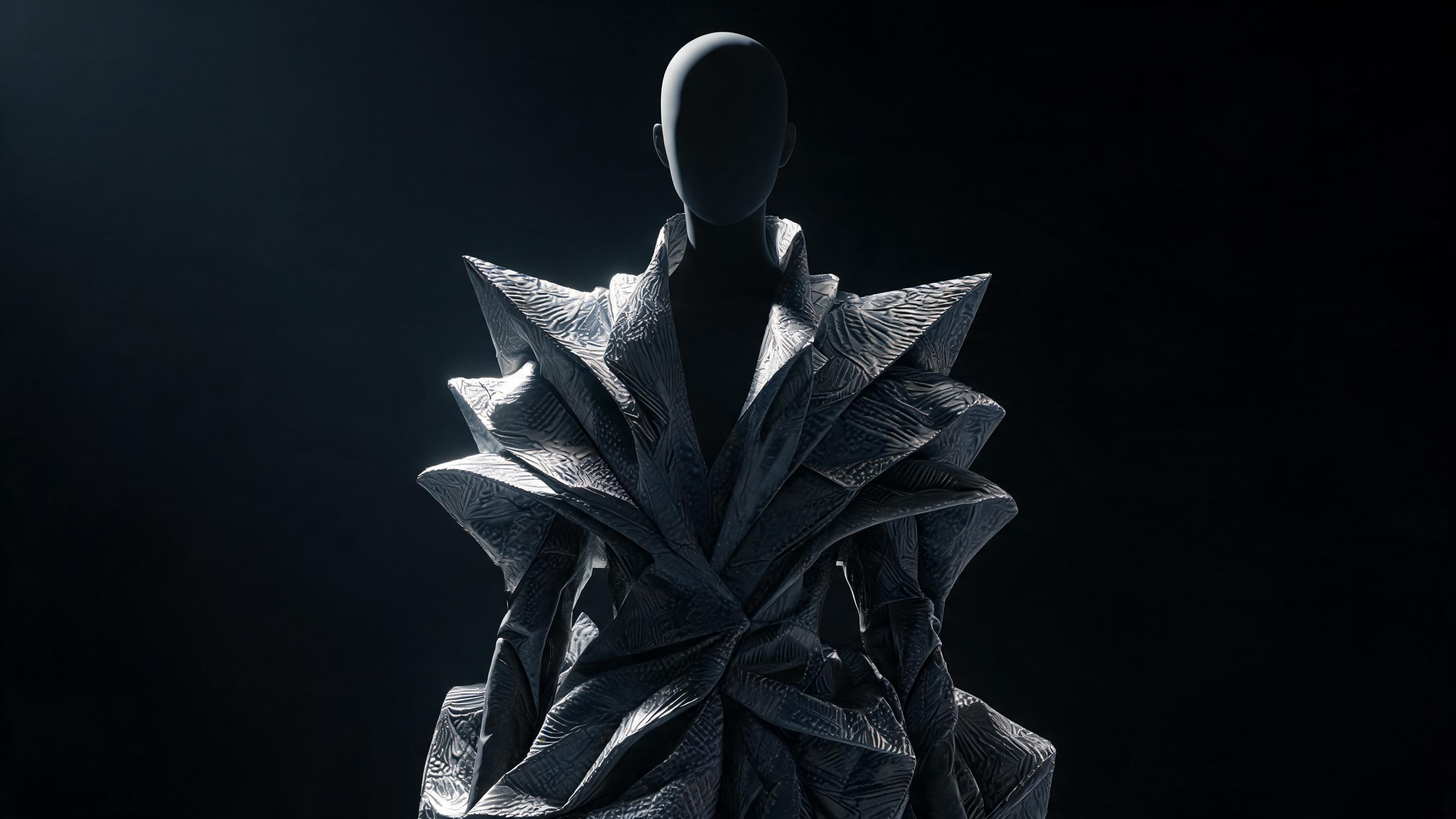
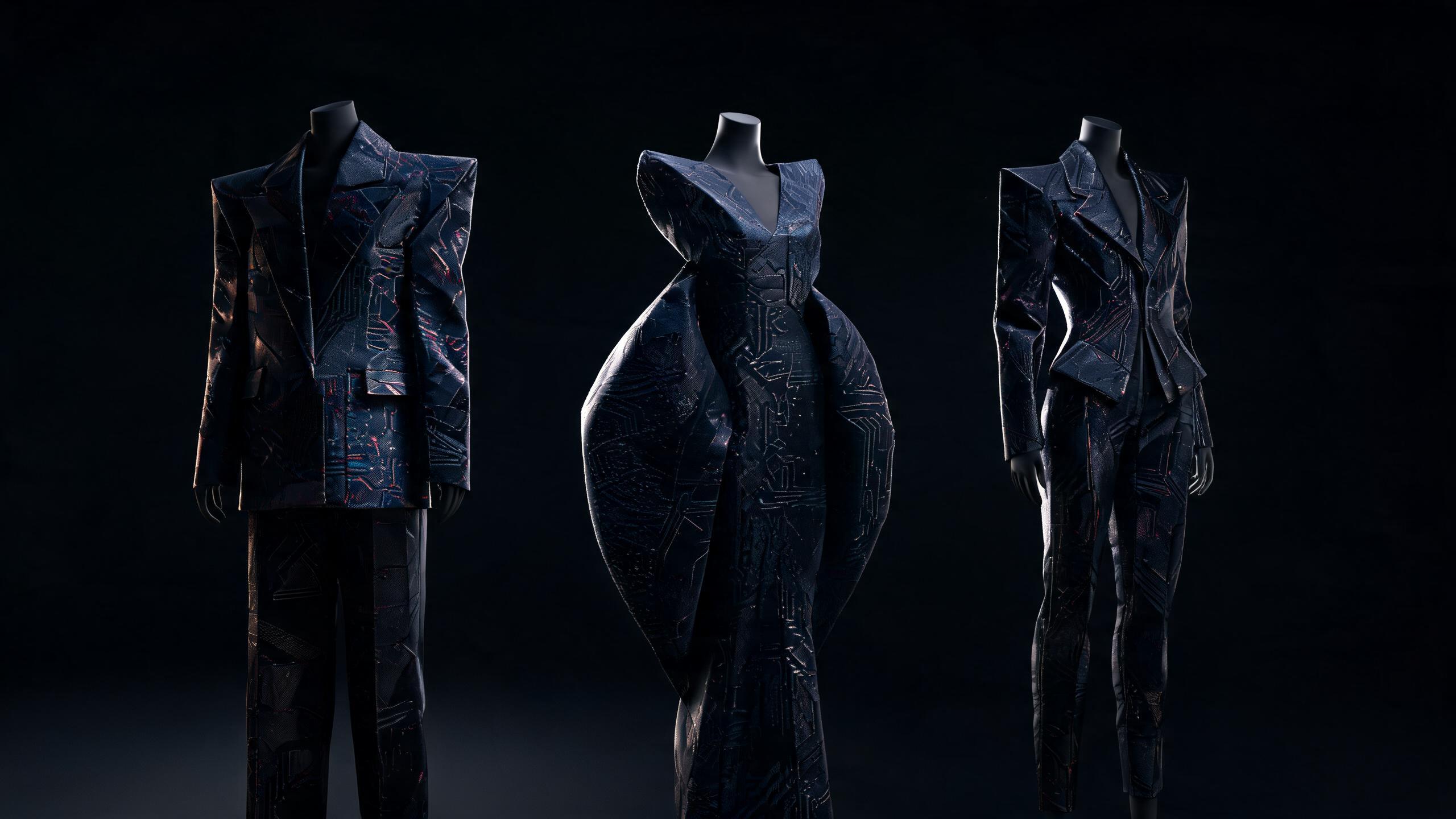
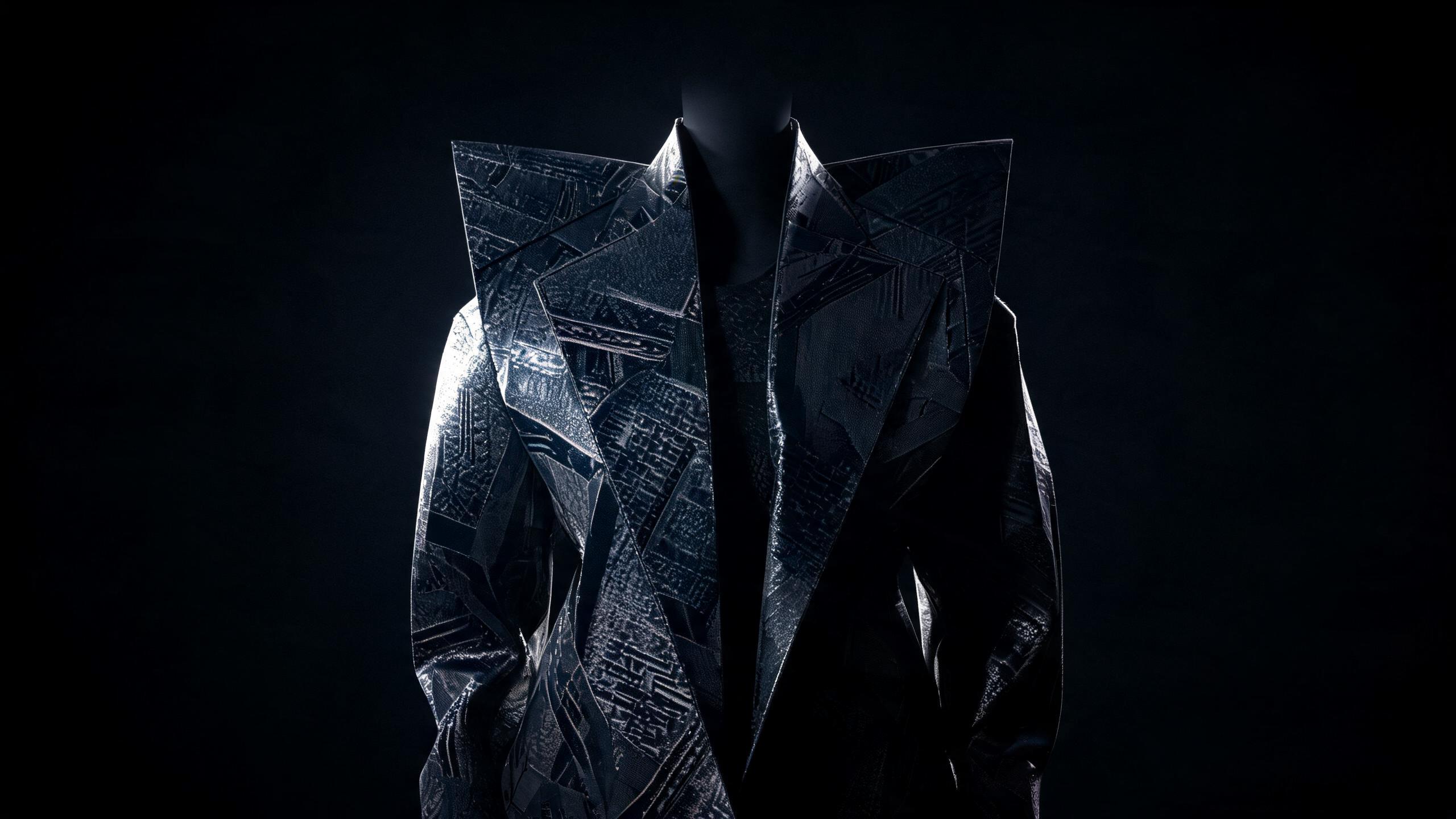
How to Customize a Fashion Design Mannequin with AI

Learn how AI transforms measurements, silhouettes, fabric choices, and fitting adjustments into personalized mannequin prototypes for fashion design.
AI fashion design mannequin customization uses generative models, garment specifications, and body measurements to create a controllable digital mannequin for designing, testing, and refining clothing.
Key Takeaway: AI fashion design mannequin customization combines body measurements, garment specifications, pose controls, fabric behavior, and styling inputs to create a digital mannequin for designing, testing, and refining clothing.
A customizable AI mannequin is more than a photorealistic figure. It is a structured design interface that connects body proportions, pose, garment geometry, fabric behavior, styling direction, and visual identity. When those inputs are separated and controlled, designers can generate useful variations instead of endlessly prompting attractive but unusable images.
The distinction matters because traditional fashion visualization often treats the mannequin as a static presentation object. AI-native design treats it as a living parameter set. Change the shoulder slope, sleeve pitch, torso length, rise height, fabric weight, or pose without rebuilding the entire concept from scratch.
This guide explains how to customize a fashion design mannequin with AI, from defining the body model to validating garment proportions and preparing outputs for sampling.
AI fashion design mannequin customization: The process of configuring a digital mannequin with precise body, pose, garment, material, and styling parameters so AI can generate consistent fashion design visualizations.
Why Does AI Fashion Design Mannequin Customization Matter?
Fashion design depends on relationships between form and material. A jacket is not merely an image of a jacket. Its identity comes from shoulder width, chest ease, lapel scale, sleeve volume, hem position, fabric structure, and the way those elements respond to a particular body.
Generic image generation often collapses these relationships. It produces a convincing front view while changing the sleeve length in the back view, shifting the waistline between iterations, or turning a structured wool coat into a soft jersey garment. This is a consistency failure, not a creativity failure.
A customized mannequin creates a stable reference system. It allows designers to ask narrower questions:
- What happens when the shoulder is extended by 3 centimeters?
- Does a cropped jacket still balance a long torso?
- How does a 28-centimeter trouser hem compare with a tapered 20-centimeter hem?
- Does a dropped armhole create intended volume or accidental distortion?
- Does the same garment maintain its identity across poses and views?
The best AI workflow therefore separates design exploration from design verification.
What a customized mannequin should control
A useful digital mannequin should define at least five layers:
- Body structure: height, proportions, shoulder width, chest, waist, hip, inseam, posture, and body shape.
- Pose: standing, walking, seated, contrapposto, runway stride, or technical neutral.
- Garment architecture: silhouette, seams, closures, collars, pockets, sleeves, hems, and layering.
- Material behavior: weight, stiffness, drape, surface texture, transparency, stretch, and reflectivity.
- Presentation system: lighting, camera angle, background, styling, and image format.
If those layers are not explicitly defined, the AI model fills gaps with visual assumptions. The result may look polished but lose technical meaning.
Why body proportions change design decisions
A mannequin’s body proportions influence how clothing reads. A garment designed on a long-torso figure will not communicate the same silhouette on a short-torso figure, even when every garment measurement remains identical.
Use proportional relationships rather than relying only on generalized labels such as “athletic,” “curvy,” or “petite.” For example:
- If the hips are 2 or more inches wider than the shoulders, a straight jacket hem may need additional hip ease or a slightly flared shape.
- If the shoulders are 2 or more inches wider than the hips, a narrow trouser hem can exaggerate the upper body.
- If the torso is visibly longer than the legs, a high-rise bottom with a shorter jacket can rebalance the visual center.
- If the inseam is relatively long, a low-rise trouser may create a different proportion from the same hem width and overall length.
- If the bust or chest projects significantly from the torso, front length and dart placement require more attention than side-view AI images usually provide.
These are not fixed rules. They are diagnostic inputs that help the designer identify where the mannequin is influencing the garment.
How Do You Define the Mannequin Before Using AI?
The first step is to create a mannequin specification. Do not start with a vague prompt such as “create a futuristic female mannequin wearing an oversized coat.” That instruction combines body, garment, styling, and mood into one uncontrolled request.
Instead, write a compact design brief with measurable attributes.
Record body measurements and proportions
Use a consistent measurement system. The mannequin does not need to represent a real person, but every measurement must relate coherently to the others.
Record:
- Overall height
- Shoulder breadth
- Bust or chest circumference
- Natural waist circumference
- Full hip circumference
- Shoulder-to-waist length
- Waist-to-floor length
- Inseam
- Upper-arm circumference
- Wrist circumference
- Neck circumference
- Foot length
- Head-to-body ratio
- Posture and spinal alignment
For a general adult mannequin, a starting specification could look like this:
| Attribute | Example specification |
|---|---|
| Height | 178 cm |
| Shoulder breadth | 43 cm |
| Bust or chest | 88 cm |
| Waist | 70 cm |
| Full hip | 96 cm |
| Inseam | 82 cm |
| Shoulder-to-waist length | 41 cm |
| Wrist circumference | 16 cm |
| Foot length | 26 cm |
| Posture | Neutral, relaxed shoulders |
These values are an example design system, not a universal body standard. The objective is internal consistency.
Define body shape without reducing it to a label
Body-shape labels can provide a quick starting point, but measurement relationships are more useful for AI customization.
Specify:
- Whether the upper body is broader, narrower, or proportionate to the lower body
- Where the waist is defined
- Whether the abdomen projects forward
- Whether the seat projects backward
- Whether the shoulders slope or remain level
- Whether the legs are straight, muscular, tapered, or full
- Whether the neck is long, short, or proportionate
- Whether the figure has a relaxed, rigid, or forward posture
A strong mannequin brief might read:
178-centimeter figure, shoulders 43 centimeters wide, hips 96 centimeters, defined waist, moderate seat projection, slightly sloped shoulders, long inseam, neutral stance, relaxed arms, anatomically proportionate hands and feet.
That description gives the AI model more useful structure than “slim fashion model.”
Choose a neutral base pose
Start with a neutral technical pose before generating editorial poses. The neutral pose should make it possible to inspect:
- Shoulder symmetry
- Armhole placement
- Side seams
- Trouser rise
- Hem level
- Garment length
- Sleeve pitch
- Balance between front and back
Use a front-facing pose with arms slightly separated from the torso. Then create corresponding side and back views. A mannequin that looks correct only in a three-quarter pose is not ready for garment testing.
Build a mannequin identity prompt
Keep the identity language stable across every generation. A mannequin identity prompt should define what does not change.
Example:
Use the same 178-centimeter digital fashion mannequin in every image. Maintain identical facial structure, body proportions, shoulder width, waist position, hip width, inseam, skin tone, hand anatomy, and neutral posture. Do not alter the mannequin’s height, limb lengths, torso length, or body shape between views.
The phrase “same mannequin” is not enough. State the attributes that must remain fixed.
👗 Want to see how these styles look on your body type? Try Alvin's Club's AI Stylist → — personalized outfits in seconds.
How Do You Customize the AI Fashion Design Mannequin Step by Step?
The most reliable workflow follows a fixed sequence. Generate the body first, then the pose, then the garment, then the material, and finally the presentation.
- Choose Your Style Profile — Define the mannequin’s design purpose, body proportions, and visual identity before generating images.
- Build the Base Mannequin — Create neutral front, side, and back views with stable proportions.
- Set the Body and Fit Parameters — Add measurements, ease allowances, rise height, inseam, hem width, and garment length.
- Define the Garment Architecture — Describe construction details separately from mood and styling.
- Assign Material Behavior — Specify weight, stiffness, drape, texture, stretch, and surface finish.
- Control Pose and Camera — Use technical views for validation and editorial views for concept development.
- Generate Controlled Variations — Change one major variable at a time and label every output.
- Validate the Design — Compare images against measurements, construction logic, and consistency requirements.
- Prepare the Final Design Package — Convert the selected concept into technical references for patternmaking and sampling.
1. Choose Your Style Profile
The style profile determines why the mannequin exists. A couture concept mannequin, a streetwear fit mannequin, and a technical e-commerce mannequin require different visual controls.
Define four elements:
Design purpose
Choose one primary purpose:
- Silhouette exploration
- Technical fit review
- Collection identity development
- Fabric visualization
- Styling and merchandising
- Runway image development
- Patternmaking reference
- Client or team presentation
Avoid asking one mannequin to serve every function without changing its presentation settings. A neutral technical mannequin needs clarity. An editorial mannequin needs movement and atmosphere.
These are different modes.
Style vocabulary
Describe the design language with concrete terms:
- Architectural
- Deconstructed
- Minimal
- Romantic
- Industrial
- Sculptural
- Utility-driven
- Tailored
- Softly draped
- Monochromatic
- Layered
- Asymmetric
Then translate adjectives into visual actions. “Sculptural” could mean an extended shoulder, curved side seam, molded hip, or architectural collar. “Minimal” could mean hidden closures, reduced seam visibility, and a restrained palette.
Reference hierarchy
If you use references, rank them:
- Construction reference
- Silhouette reference
Material reference 4. Styling reference 5. Lighting reference
This prevents the AI model from treating every image as equally important. A runway image may be useful for posture but unreliable as a pattern reference.
For further workflow ideas, see 7 Demna-Inspired AI Fashion Design Workflow Templates, particularly when developing a collection language rather than a single garment.
Body specification
Write the body profile in measurements and proportions. Avoid identity markers that do not affect the design. The mannequin’s job is to represent form consistently, not to become a character that distracts from construction.
2. Build the Base Mannequin
Generate the mannequin without clothing or with a close-fitting neutral base layer. The base layer should not obscure the shoulder line, waist, hip, knee, or ankle.
Create at least three views:
- Front
- Side
- Back
Add a fourth view at 45 degrees only after the technical views are stable.
Base mannequin prompt example
Full-body digital fashion design mannequin, 178 centimeters tall, shoulder breadth 43 centimeters, chest 88 centimeters, waist 70 centimeters, hip 96 centimeters, inseam 82 centimeters, slightly sloped shoulders, moderate seat projection, neutral anatomical posture, arms separated slightly from torso, feet parallel, front-facing technical studio view, matte neutral base garment, even lighting, plain background, no accessories, no dramatic perspective.
Generate several candidates and select one based on proportion consistency, not facial attractiveness or image quality.
Negative constraints
Include exclusions for common failures:
- No elongated limbs
- No exaggerated waist
- No changing body proportions
- No asymmetrical eyes or hands
- No extra fingers
- No high-fashion distortion
- No extreme arching of the back
- No hidden feet
- No cropped limbs
- No perspective exaggeration
Negative prompts cannot guarantee anatomical accuracy, but they reduce recurring errors.
Establish a reference sheet
Create a simple reference sheet containing:
- Front view
- Side view
- Back view
- Measurement annotations
- Color and material notes
- Identity lock instructions
This sheet becomes the anchor for every later generation. If the tool supports image references, use the reference sheet as the identity input. If it supports character or subject locking, keep the same seed, reference image, or model identifier.
3. Set the Body and Fit Parameters
Once the mannequin is stable, define the garment’s relationship to the body.
The most important concept is ease: the difference between the garment measurement and the corresponding body measurement.
A garment should not be described only as “oversized” or “fitted.” Specify the intended ease by region:
- Bust or chest ease
- Waist ease
- Hip ease
- Upper-arm ease
- Bicep ease
- Armhole depth
- Sleeve opening
- Trouser thigh ease
- Knee ease
- Hem opening
For example, a tailored jacket may have close control at the shoulder and more ease through the chest. An oversized coat may expand through the chest, sleeve, and hem while maintaining a deliberate shoulder line.
Practical fit specifications
Use measurements such as:
- Cropped jacket: hem ending at the high hip or approximately 5–10 centimeters above the fullest hip
- Standard blazer: hem ending around the lower hip
- Long coat: hem ending at mid-calf or above the ankle
- High-rise trouser: waistband positioned near the natural waist
- Mid-rise trouser: waistband positioned below the natural waist
- Wide-leg trouser: hem width selected according to desired volume rather than applying “wide-leg” as a generic label
- Tapered trouser: narrow the hem while preserving sufficient thigh and knee ease
- Oversized sleeve: increase bicep volume and sleeve opening together rather than enlarging only the cuff
These ranges are design starting points. The correct result depends on the body, garment category, and intended silhouette.
Body type and fit example
Suppose the mannequin has hips 4 inches wider than the shoulders. A fitted woven jacket with a straight hem may pull across the hip. Specify:
- Shoulder width: 43 centimeters
- Full hip: 106 centimeters
- Jacket hip ease: 10–14 centimeters
- Hem: slight A-line expansion
- Side seam: straight from underarm to waist, then gently released to hem
- Back vent: centered or double vent depending on movement
- Length: 68 centimeters from high shoulder point
The AI should visualize the garment as a shape accommodating the body, not as a rectangular block placed over it.
4. Define the Garment Architecture
Separate construction from atmosphere. Start with a technical description, then add the visual language.
Garment architecture checklist
Specify:
- Garment category
- Number of layers
- Silhouette
- Shoulder construction
- Neckline or collar
- Front opening
- Closure type
- Pocket type and placement
- Seam lines
- Dart or pleat placement
- Sleeve shape
- Cuff or sleeve opening
- Hem shape
- Back construction
- Lining or internal structure
- Intended fit
- Garment length
A useful prompt structure is:
Category: single-breasted tailored wool jacket Silhouette: relaxed rectangular body with a controlled shoulder Shoulder: lightly extended by 2 centimeters, soft internal pad Collar: narrow peak lapel, 7-centimeter lapel width Closure: two-button front, buttons aligned slightly above natural waist Pocket: welt chest pocket, two flap hip pockets Sleeve: two-piece sleeve, 64-centimeter length, 31-centimeter upper-arm circumference Hem: straight, 74-centimeter garment circumference Fit: 10-centimeter chest ease, 12-centimeter hip ease
The purpose is not to force the AI to produce production-ready measurements. The purpose is to give the model a coherent geometry to visualize.
Describe asymmetry explicitly
AI models often normalize asymmetry. State:
- Which side is longer
- Which shoulder is extended
- Where the closure shifts
- Whether the hem rises or falls
- Whether pockets are intentionally mismatched
- Whether the front and back panels differ
Example:
Asymmetric wrap coat with left front extending 12 centimeters beyond the right front, closure placed 8 centimeters left of center front, right hem 6 centimeters longer than left hem, symmetrical sleeve construction, stable shoulder line.
Without those constraints, an AI model may generate arbitrary asymmetry that changes from image to image.
5. Assign Material Behavior
Material is not a color. It is a mechanical behavior system.
Describe the fabric using properties that affect form:
| Material property | Low value visual behavior | High value visual behavior |
|---|---|---|
| Weight | Floats and folds easily | Hangs with controlled drop |
| Stiffness | Collapses against the body | Holds sculptural shape |
| Drape | Forms soft vertical folds | Maintains broad planes |
| Stretch | Follows body movement | Resists shape change |
| Surface friction | Slides over layers | Grips and compresses layers |
| Opacity | Reveals underlying form | Conceals body and lining |
| Reflectivity | Matte and diffuse | Glossy and directional |
Compare “black fabric” with a precise material instruction:
Dense black wool suiting, medium-high stiffness, low sheen, controlled drape, crisp edge retention, opaque surface, subtle brushed texture.
For a fluid garment:
Lightweight silk twill, fluid drape, low structural memory, soft diagonal folds, moderate sheen, opaque double-layered body, slightly translucent sleeve.
Why material instructions prevent false silhouettes
If the AI receives only a silhouette and color, it may use the wrong material behavior to support the shape. A sculptural shoulder made from fluid jersey will collapse. A bias-cut silk skirt made from rigid canvas will appear visually incorrect even if the length is right.
Material must be connected to construction:
- A stiff fabric supports a sharp folded hem.
- A fluid fabric supports a bias drape.
- A stretch knit can follow the body without darts.
- A non-stretch woven requires darts, seams, or ease.
- A transparent fabric requires a base layer or visible body mapping.
- A heavy fabric changes the balance of a long coat and may require a stronger shoulder or hem structure.
6. Control Pose and Camera
Pose changes garment interpretation. A bent elbow can conceal sleeve pitch. A twisted torso can make a straight side seam look curved.
A walking pose can create folds that appear to be construction lines.
Use different modes for different questions.
Technical mode
Use:
- Full-body framing
- Neutral stance
- Front, side, and back views
- Even light
- Minimal shadow
- No accessories
- No dramatic lens distortion
- Plain background
- Camera at torso height or a standardized angle
Technical mode answers whether the garment’s architecture is visible and consistent.
Editorial mode
Use:
- Controlled movement
- Directional light
- Distinctive styling
- Environment or set design
- Intentional crop
- Layered accessories
- Expressive posture
Editorial mode answers whether the design communicates a point of view.
Do not use editorial outputs to confirm technical fit. The visual drama can hide errors in length, balance, and construction.
Camera consistency
Keep camera settings stable when comparing variations. If one image uses a low-angle view and another uses a level view, perceived garment length and body proportion will change.
Maintain:
- Similar focal length
- Same camera height
- Same mannequin scale in frame
- Same distance from camera
- Same background value
Summary
- AI fashion design mannequin customization combines body measurements, garment specifications, pose, fabric behavior, styling, and visual identity into a controllable digital design interface.
- Unlike a static presentation mannequin, an AI mannequin functions as a parameter set that lets designers adjust proportions, garment geometry, material properties, and poses independently.
- Defining precise inputs such as shoulder slope, torso length, sleeve pitch, rise height, and fabric weight produces more useful design variations than relying on vague prompts.
- AI fashion design mannequin customization helps designers visualize how garments relate to body form and material behavior before creating physical samples.
- A reliable workflow separates body, pose, garment, fabric, and styling controls, then validates proportions and prepares consistent outputs for sampling.
Key Takeaways
- Key Takeaway:
- body proportions, pose, garment geometry, fabric behavior, styling direction, and visual identity
- AI fashion design mannequin customization:
- design exploration
- design verification
Frequently Asked Questions
What is AI fashion design mannequin customization?
AI fashion design mannequin customization is the process of creating a digital mannequin that reflects specific body measurements, proportions, poses, garment requirements, and styling choices. It helps designers visualize how clothing may fit, move, and appear before producing physical samples.
How does AI fashion design mannequin customization work?
AI fashion design mannequin customization combines body measurements, garment specifications, pose controls, fabric properties, and reference images to generate a controllable digital model. Designers can then adjust individual inputs to test silhouettes, refine fit, and explore different fashion concepts more efficiently.
Can you customize a fashion design mannequin with AI?
You can customize a fashion design mannequin with AI by entering measurements, selecting body proportions, adjusting poses, and defining garment geometry or material behavior. Advanced tools may also support style references, color changes, fabric simulations, and multiple design variations.
Is AI fashion design mannequin customization worth it?
AI fashion design mannequin customization can be worthwhile for designers who need faster concept development, more consistent visualization, and fewer physical prototypes. It does not replace expert patternmaking or fitting, but it can improve early-stage testing and streamline communication between design teams.
Related on Alvin's Club
About the author
Building the AI fashion agent at Alvin's Club — personal style models, dynamic taste profiles, and private AI stylists. Writing about where AI meets fashion commerce.
Credentials
- Founder at Alvin's Club (Echooo E-Commerce Canada Ltd.)
- Writes weekly on AI × fashion at blog.alvinsclub.ai
X / @alvinsclub · LinkedIn · alvinsclub.ai
This article is part of Alvin's Club's AI Fashion Intelligence series — the AI fashion agent that influences demand before shopping happens.
Related Articles
- 7 Demna-Inspired AI Fashion Design Workflow Templates
- Traditional vs AI-Powered Milan Fashion Week Identity Design Trends: Which Approach Wins?
- How Demna Uses AI to Generate Multiple Fashion Design Variations
- Inside Demna’s Experiment With AI-Powered Clothing Design
- How to Upscale Demna AI-Generated Fashion Images
- Why Free AI Fashion Color Analysis Is Taking Off in 2026
- 7 Demna AI Tips for Creating Consistent Fashion Models
- How Demna’s AI Fashion Moodboard Generator Solves Creative Block
- Demna, AI and the Copyright Fault Line in Fashion
- How AI Is Revolutionizing Personal Fashion
- The Ultimate Personalized AI Fashion Assistant Vs Manual Style Boards Style Guide
- AlvinsClub AI Fashion Intelligence — About This Blog